
Symonym Design
Tasquel app iconTasquel Retro app icon: a green t between terminal brackets
iPhone & iPad app

Tasquel

Tasquel is a weekly checklist for iPhone and iPad that plans one week at a time. Sort tasks into categories, and choose whether each one carries over until it’s done, repeats every week, or stays in its week.

Requires iOS 26.0 or later, on iPhone and iPad.

Coming soon to the App Store
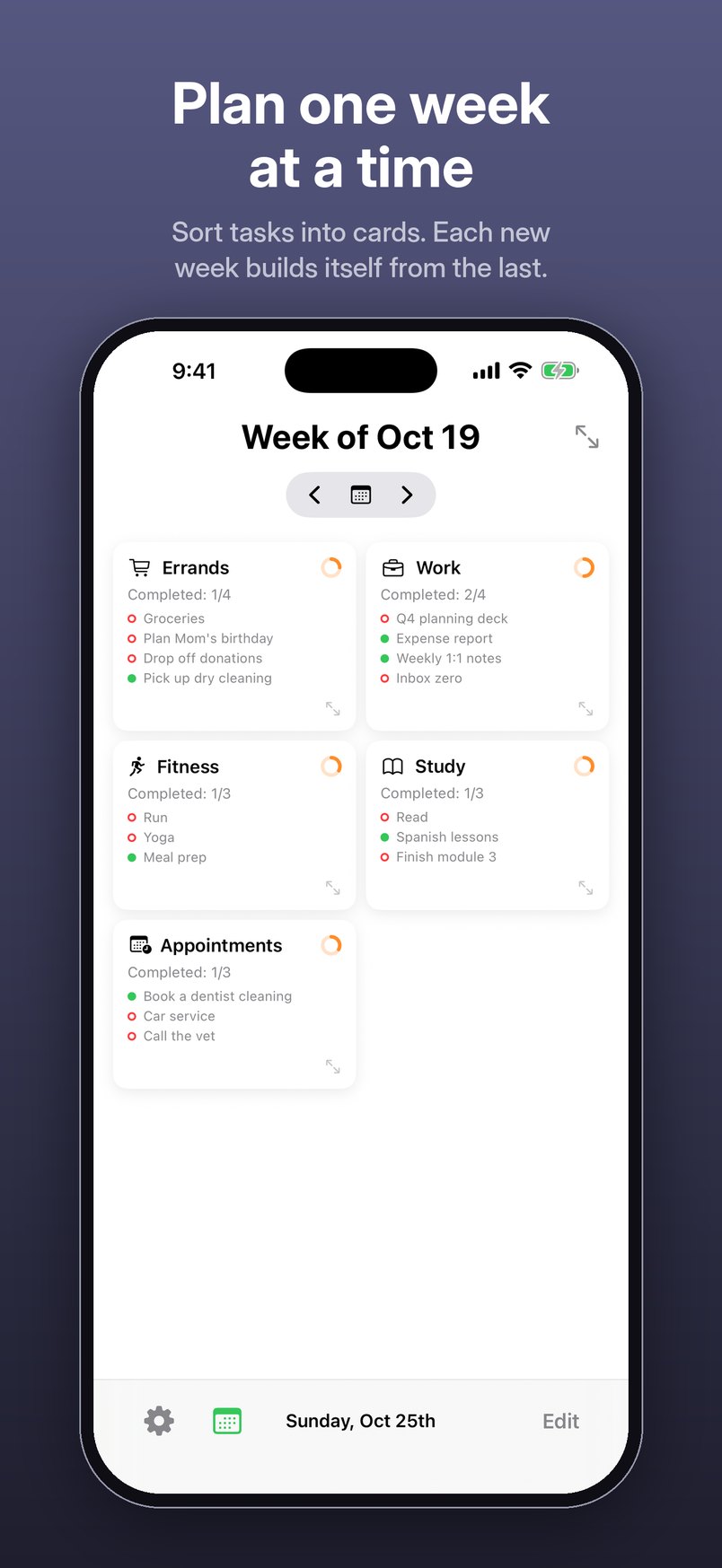
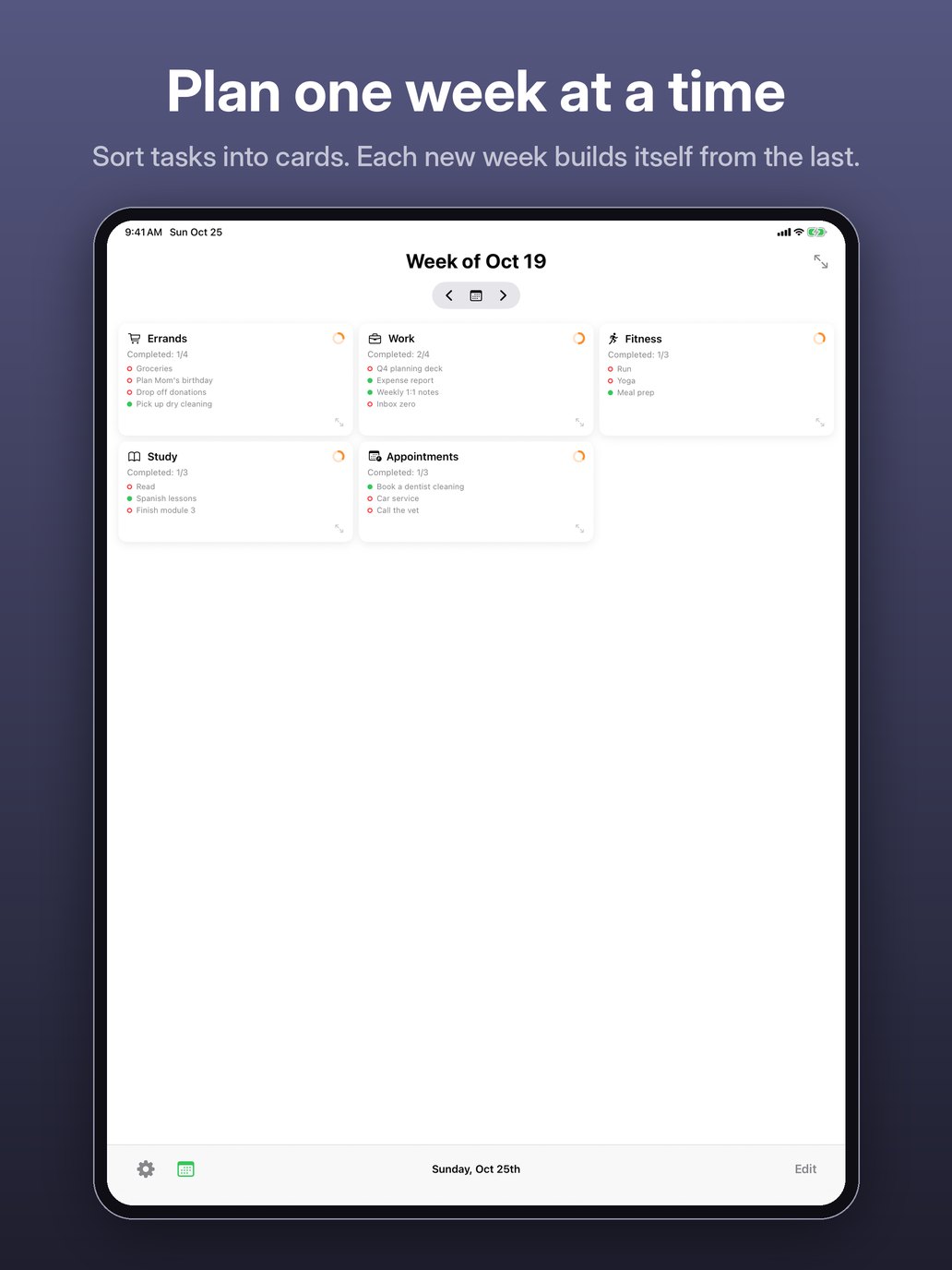
  • Plan one week at a time. Sort tasks into cards. Each new week builds itself from the last. iPhone screenshot: the week of Oct 19 with Errands, Work, Fitness, Study and Appointments cards.
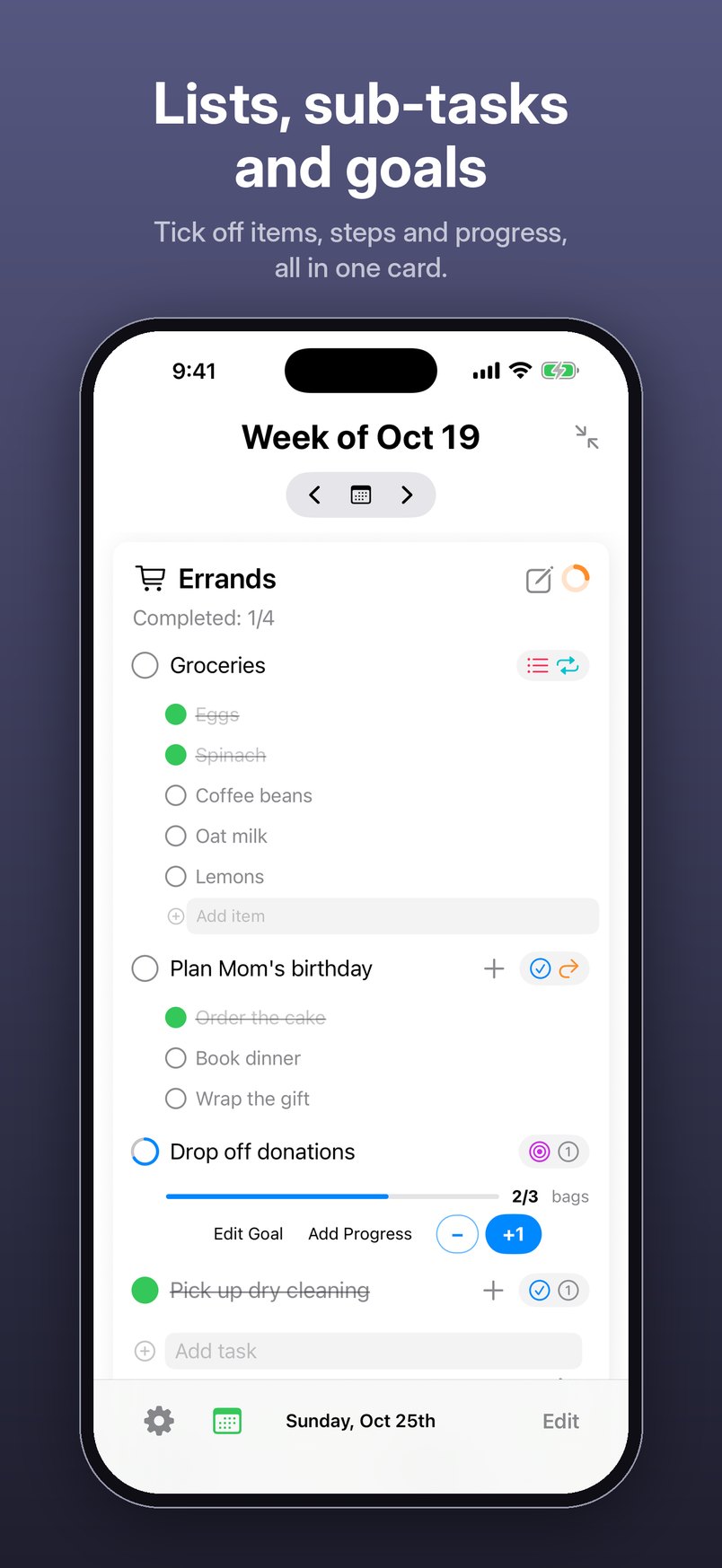
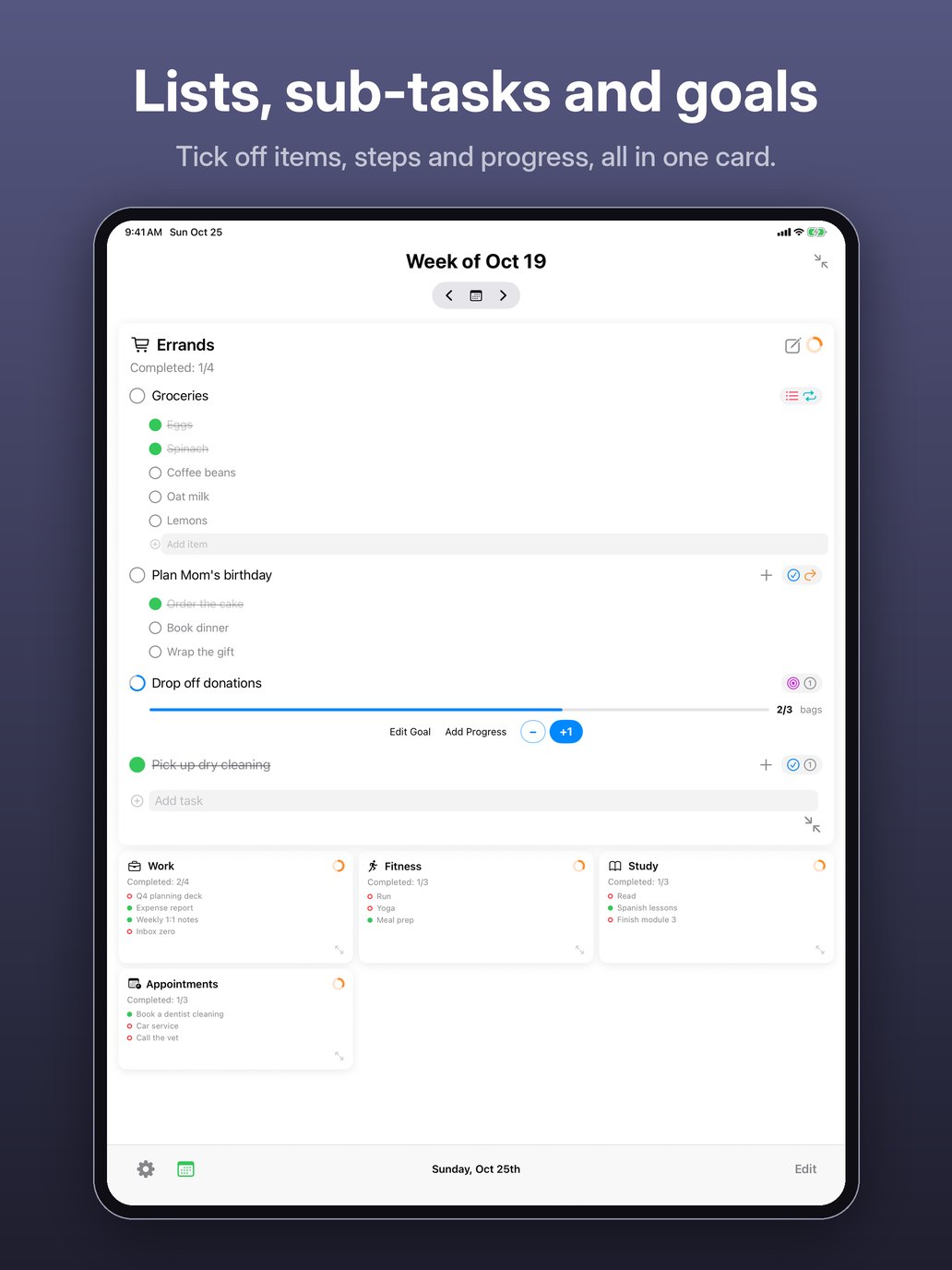
  • Lists, sub-tasks and goals. Tick off items, steps and progress, all in one card. iPhone screenshot: an open Errands card with a Groceries list, a goal at 2 of 3 bags and checked-off tasks.
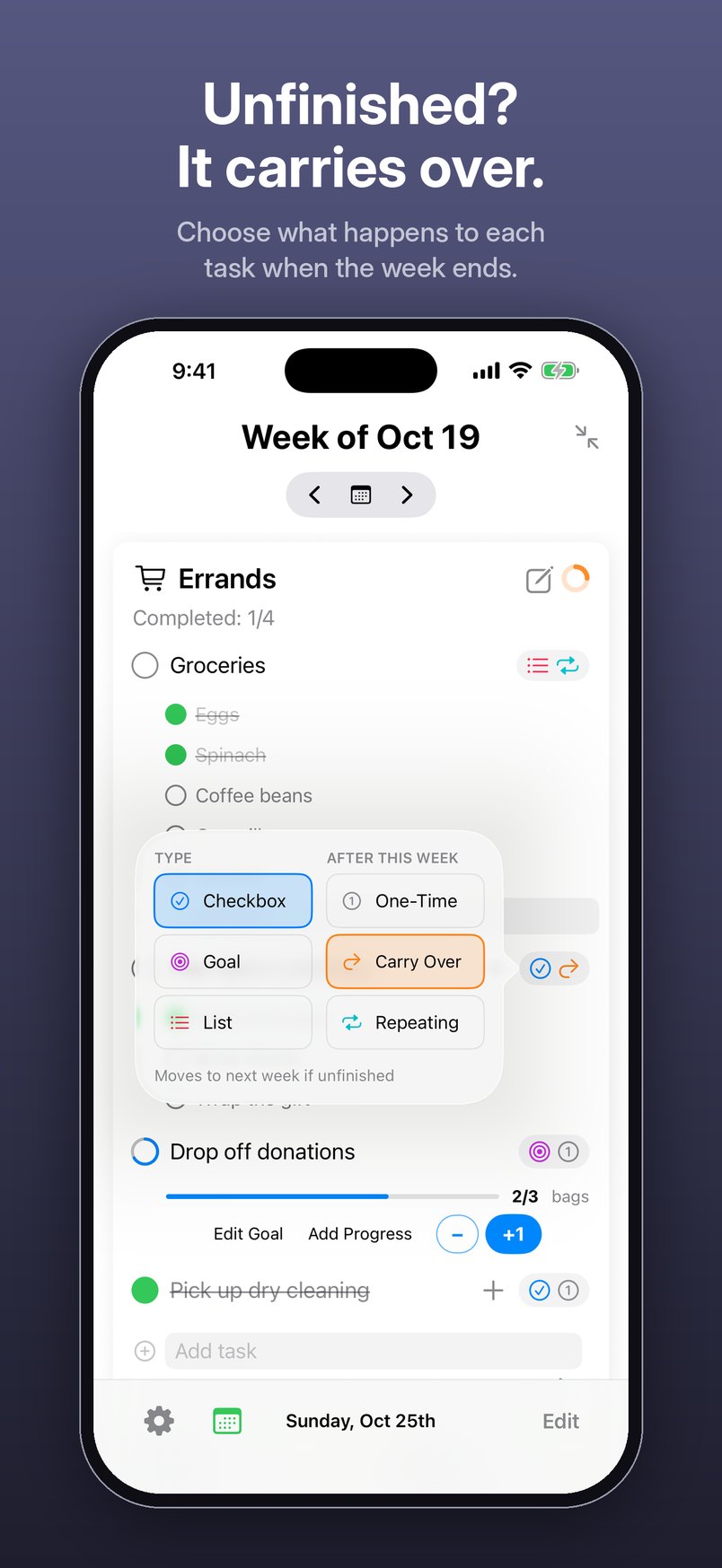
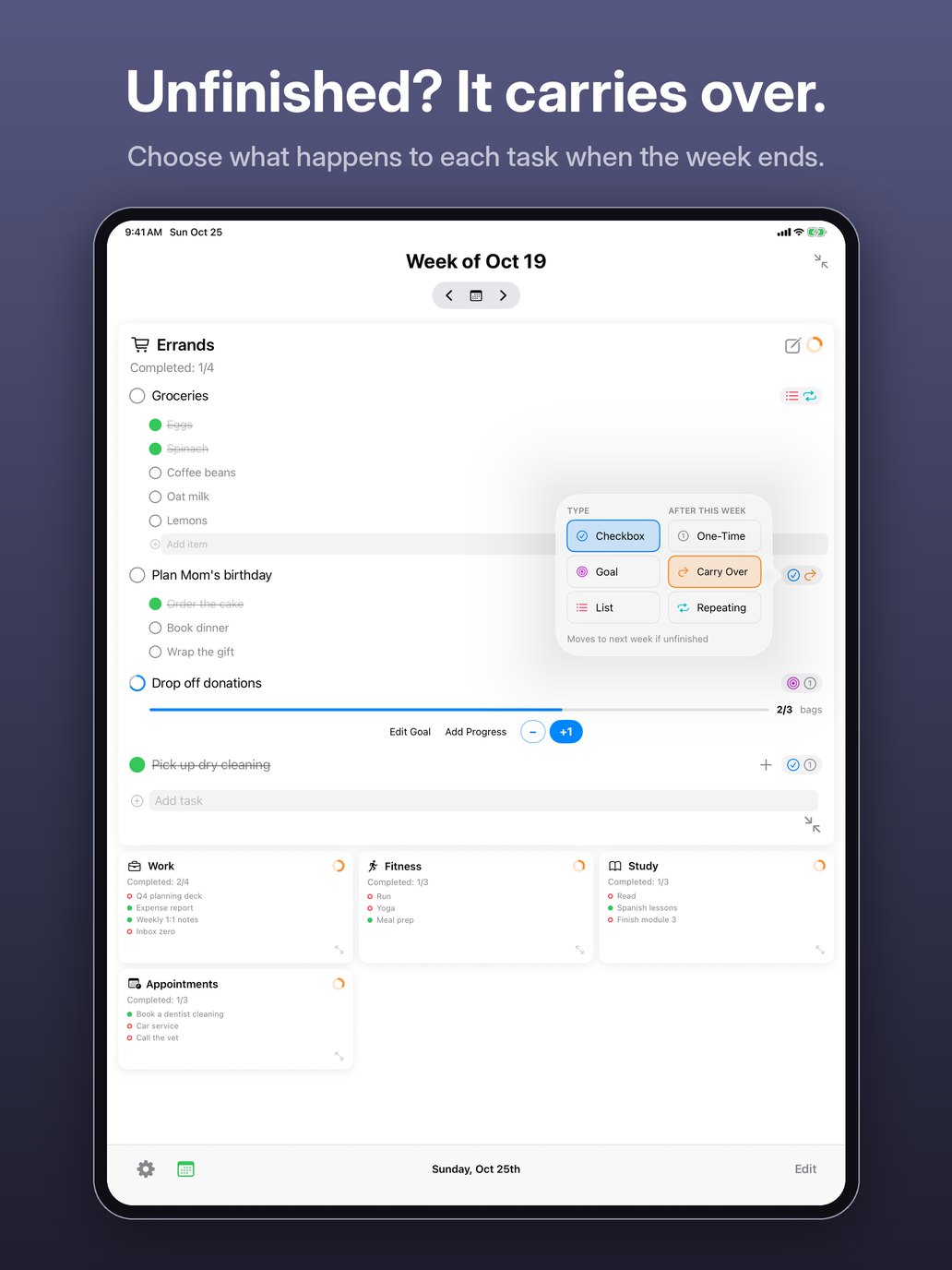
  • Unfinished? It carries over. Choose what happens to each task when the week ends. iPhone screenshot: the task options menu, with Type (Checkbox, Goal, List) and After this week (One-Time, Carry Over, Repeating).
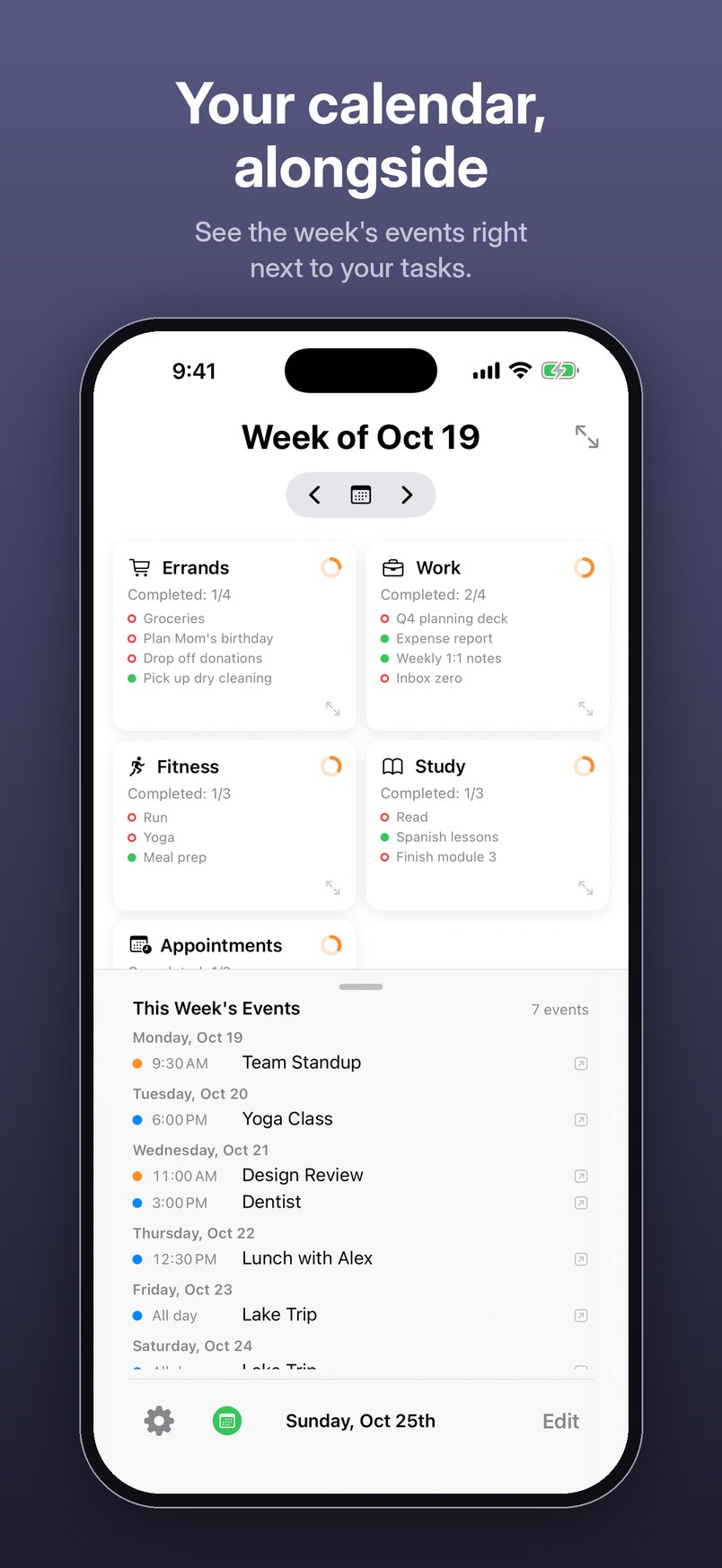
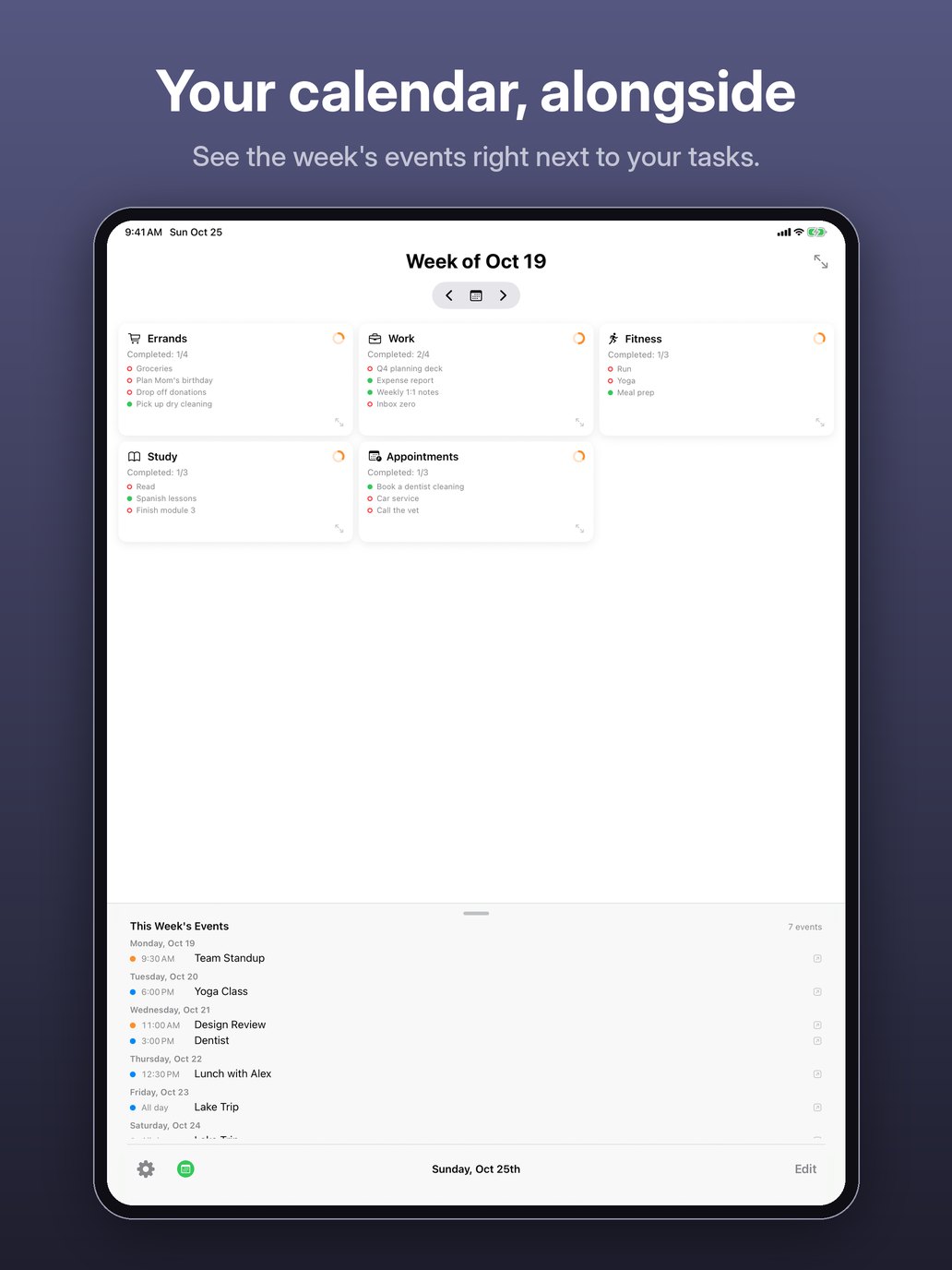
  • Your calendar, alongside. See the week’s events right next to your tasks. iPhone screenshot: the week’s task cards with This Week’s Events listed below, day by day.
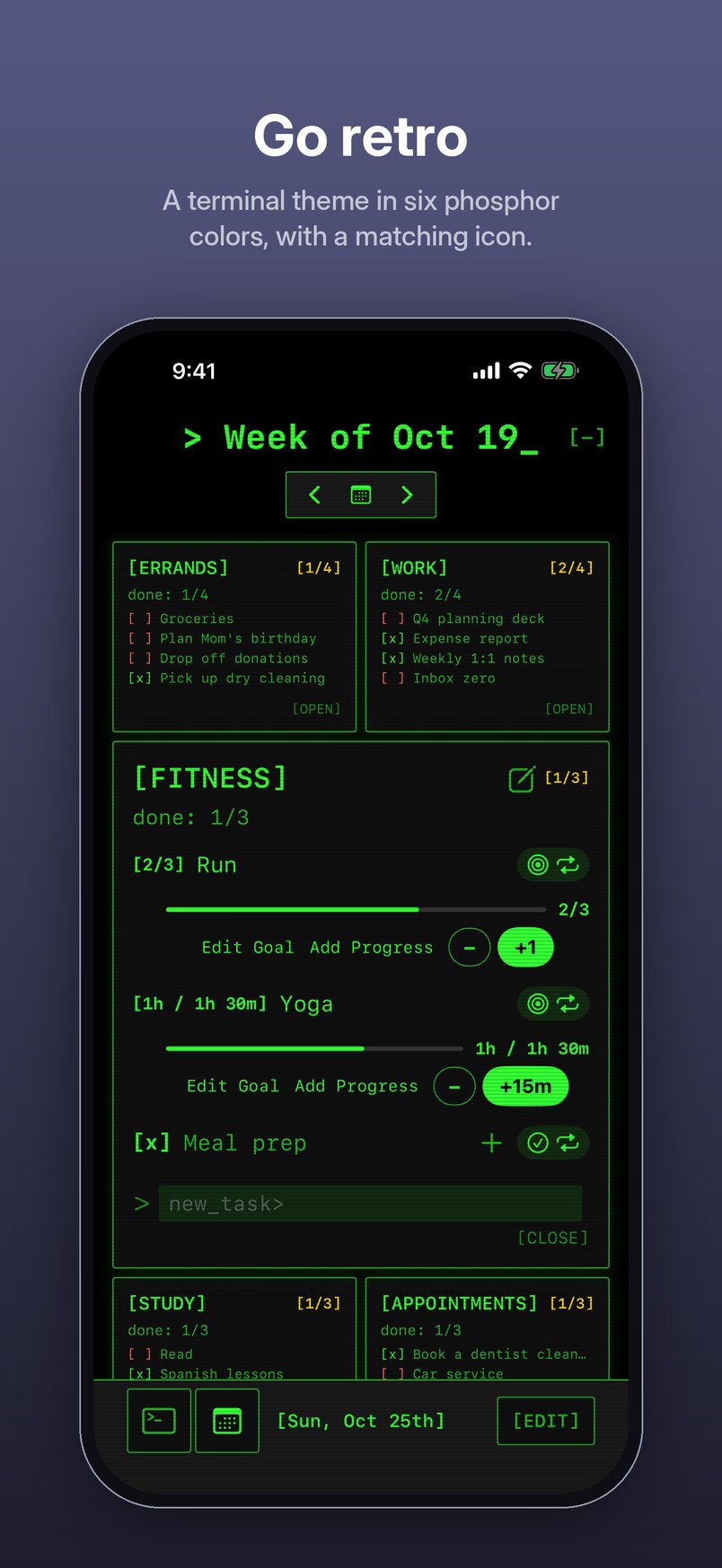
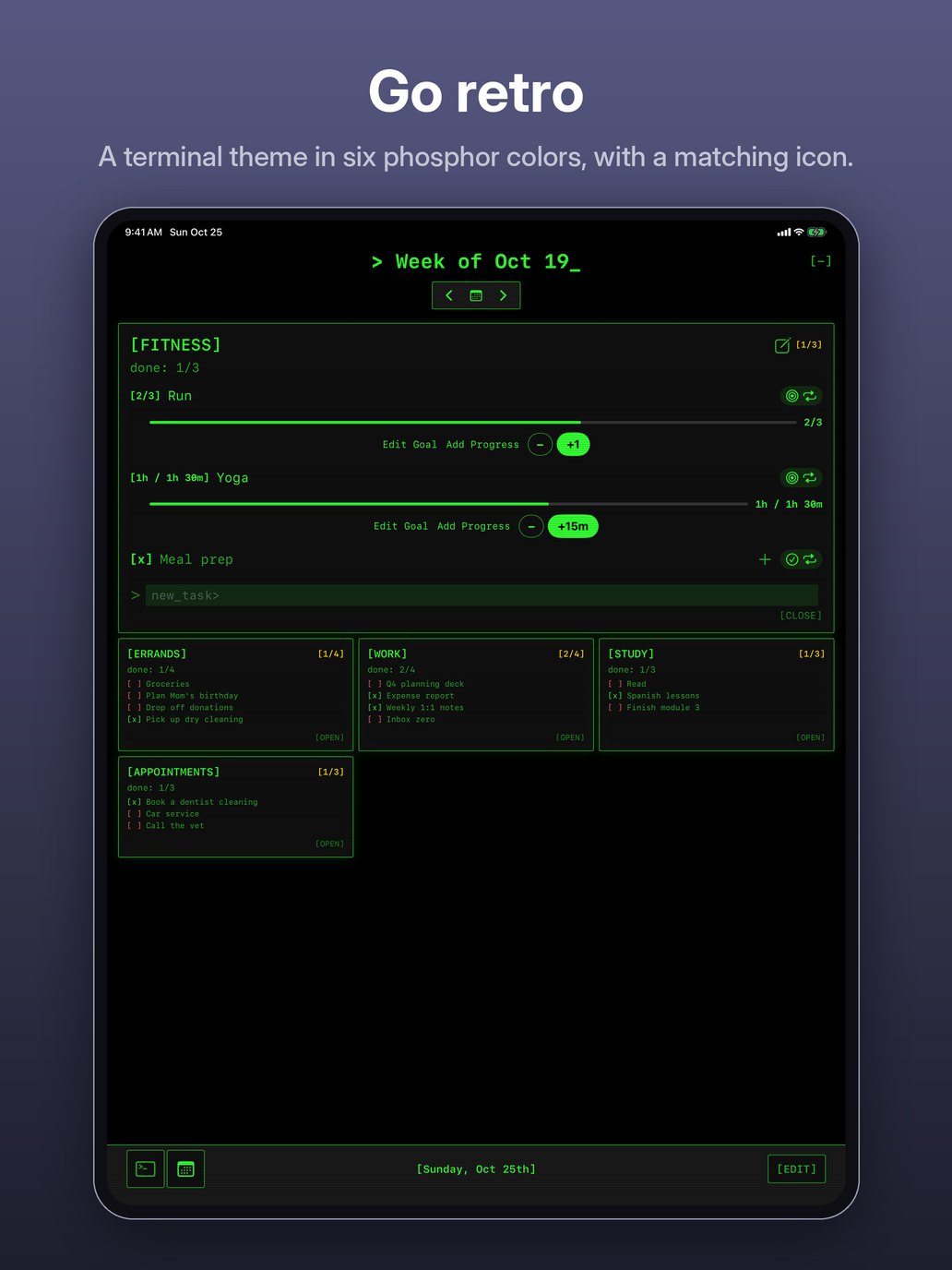
  • Go retro. A terminal theme in six phosphor colors, with a matching icon. iPhone screenshot: the week in green monospace on black, with bracketed category names.
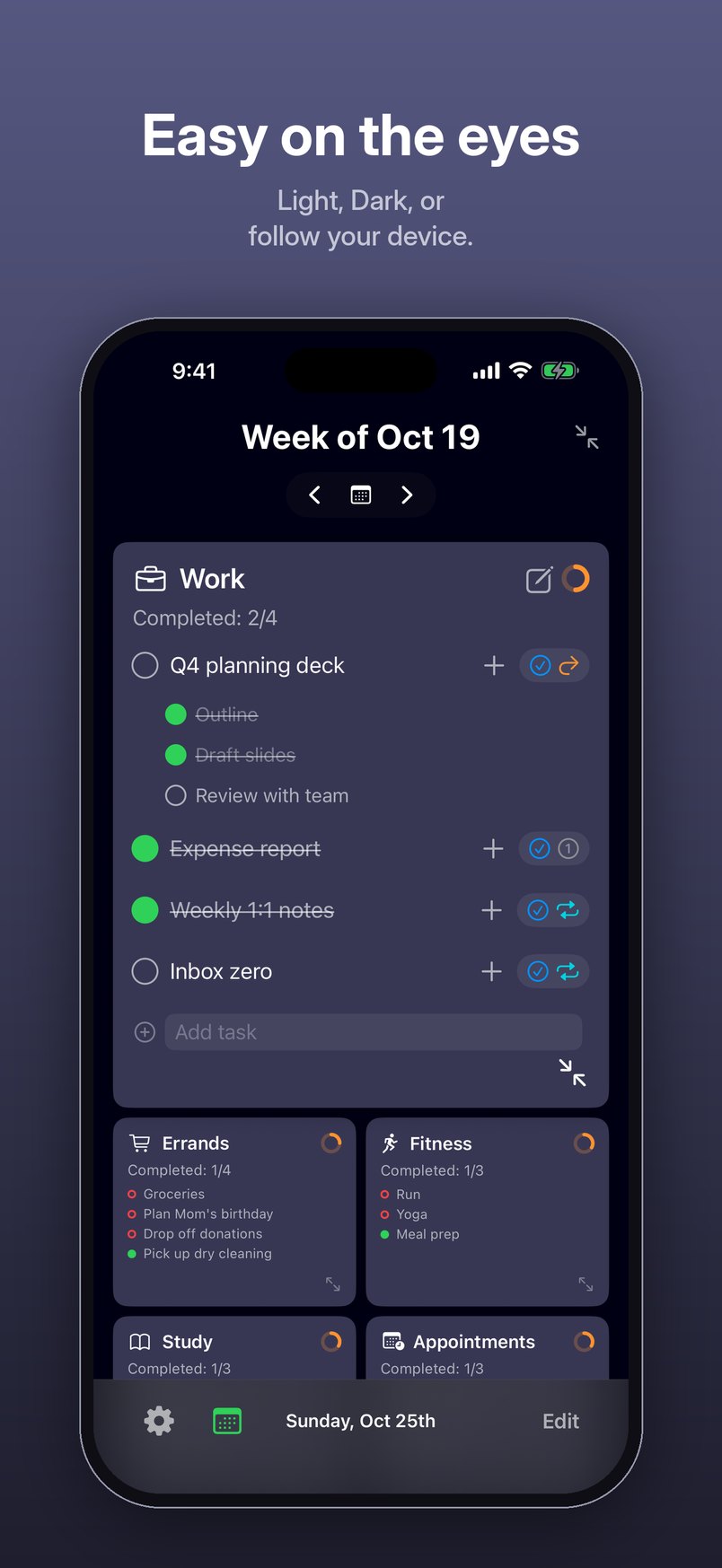
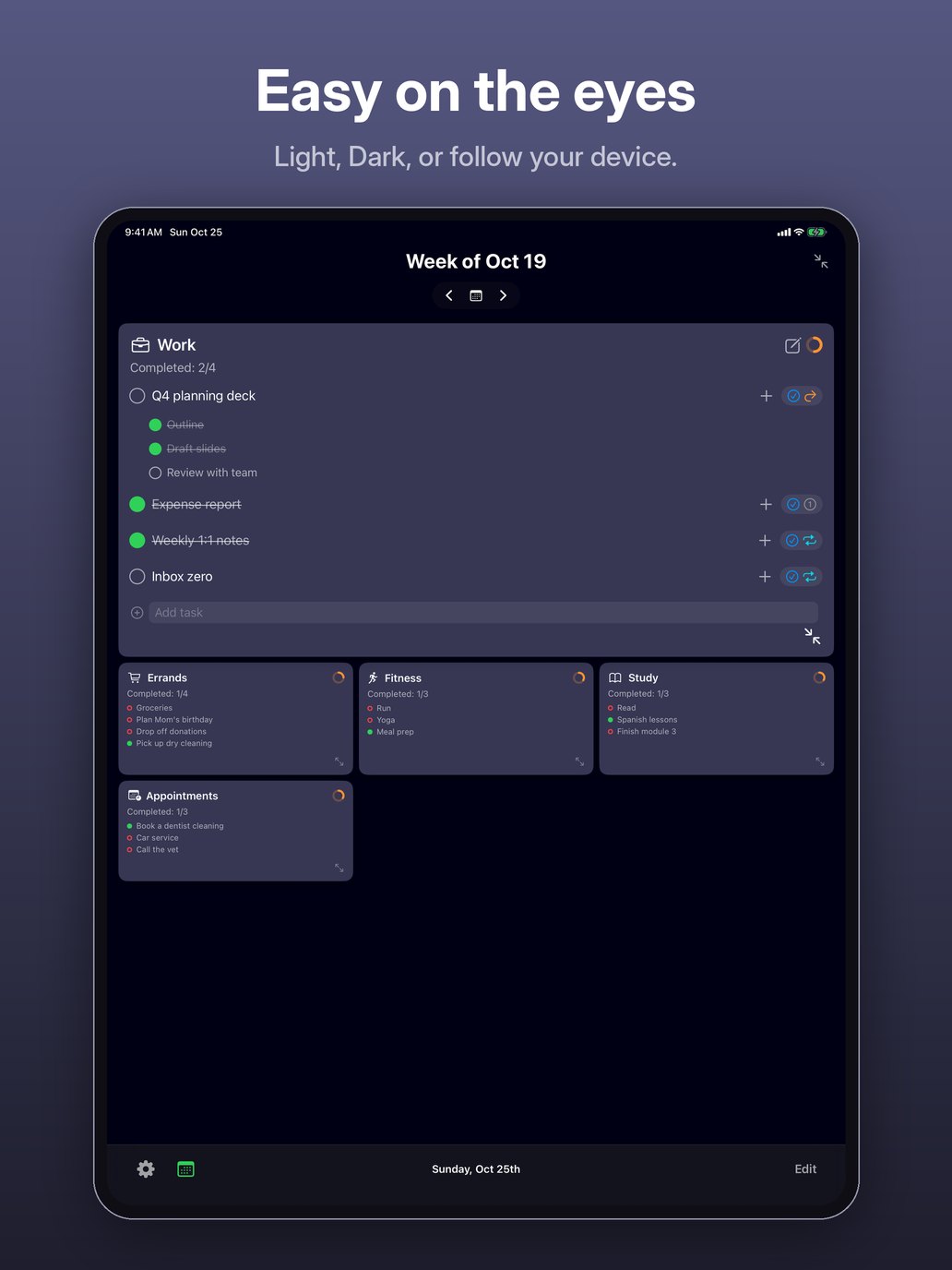
  • Easy on the eyes. Light, Dark, or follow your device. iPhone screenshot: Tasquel in dark mode, with the Work card open.
  • Plan one week at a time. Sort tasks into cards. Each new week builds itself from the last. iPad screenshot: the week of Oct 19 with Errands, Work, Fitness, Study and Appointments cards.
  • Lists, sub-tasks and goals. Tick off items, steps and progress, all in one card. iPad screenshot: an open Errands card with a Groceries list, a goal at 2 of 3 bags and checked-off tasks.
  • Unfinished? It carries over. Choose what happens to each task when the week ends. iPad screenshot: the task options menu, with Type (Checkbox, Goal, List) and After this week (One-Time, Carry Over, Repeating).
  • Your calendar, alongside. See the week’s events right next to your tasks. iPad screenshot: the week’s task cards with This Week’s Events listed below, day by day.
  • Go retro. A terminal theme in six phosphor colors, with a matching icon. iPad screenshot: the week in green monospace on black, with bracketed category names.
  • Easy on the eyes. Light, Dark, or follow your device. iPad screenshot: Tasquel in dark mode, with the Work card open.